


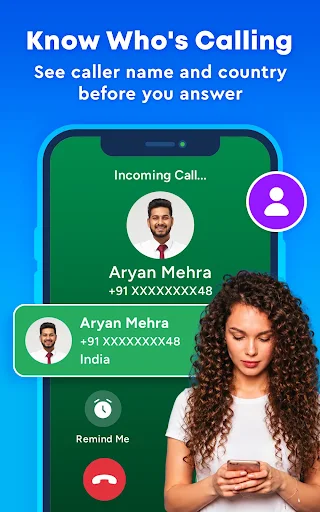

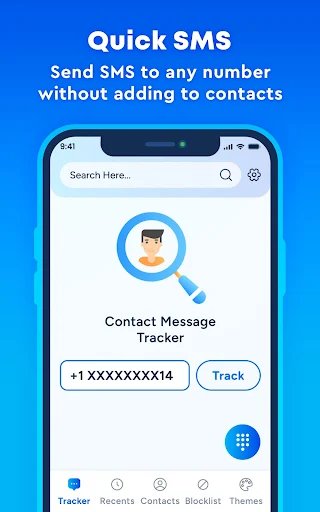
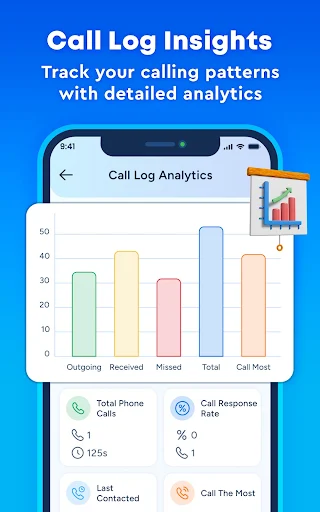


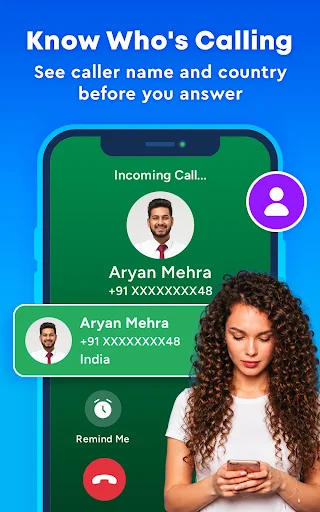



CallFilter: Caller ID & Block is an app designed to help users manage their phone calls by addressing unwanted interruptions and enhancing call identification. It enables individuals to block spam calls, identify unknown incoming numbers, and personalize their call screen’s appearance. A core function involves real-time caller ID, which works to identify incoming calls from unknown numbers, businesses, and telemarketers before they are answered, leveraging an extensive, community-reported database for automatic spam detection.
Real-Time Caller ID and Spam Blocking
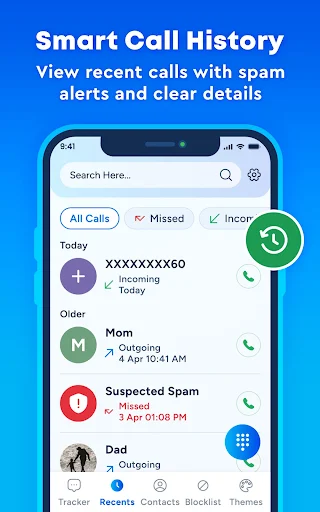
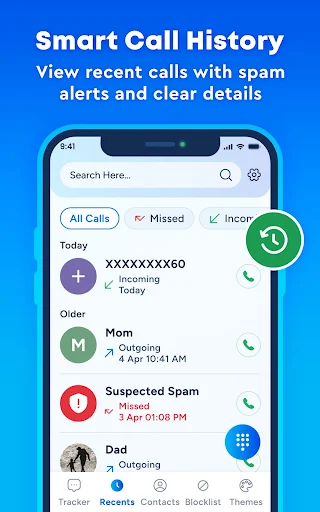
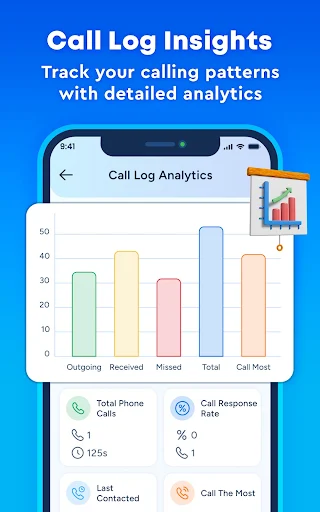
The app provides real-time caller ID to identify incoming calls, including those from unknown numbers, businesses, and telemarketers, before a user answers. It also features a Spam Call Blocker that automatically detects and blocks spam, robocalls, and scam attempts. This blocking capability is supported by a community-reported database of spam numbers. Additionally, the app offers a Smart Call History feature, allowing users to review recent calls with spam alerts and clear details.
Call Screen Personalization
Users can personalize their incoming call screen through the Stylish Call Themes feature. This allows for the selection of various themes and colors to customize the visual appearance of calls.
Custom Call Management
CallFilter includes Blacklist & Whitelist functionalities. Users can create custom block lists for specific unwanted numbers, ensuring those calls do not reach them. Conversely, a whitelist can be established for trusted contacts, ensuring that calls from these numbers always connect.
Contact Organization and Speed Dial
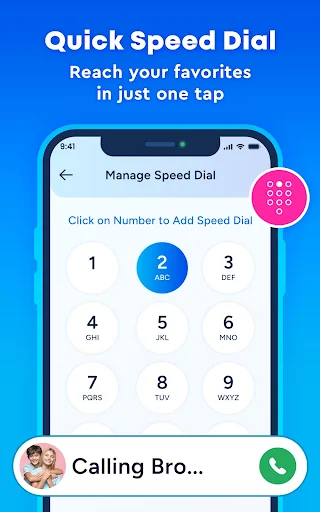
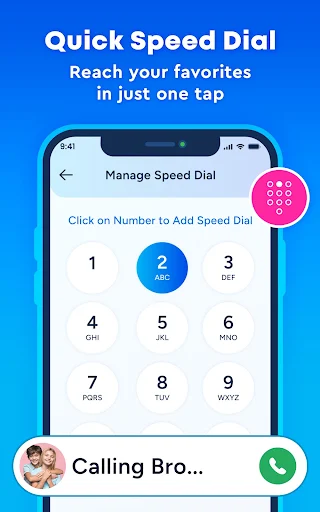
The app incorporates a Smart Contact Manager to help organize a user’s contact list and detect suspicious entries within it. For frequently contacted individuals, a Speed Dial feature allows users to reach their favorite contacts with a single tap.
Privacy Protection
The app states that it protects user privacy, ensuring that contacts and data remain safe and are never shared or sold.
Default Phone Handler Requirement
To enable real-time screening of incoming calls and effective spam blocking, CallFilter requires users to set it as their default Phone app or Call Screening app. This permission is requested during the initial setup process and can be revoked later through the device’s settings. The app requires Phone and Call Log permissions to identify incoming calls and block spam, which are used only when it is set as the default handler. An optional Contacts permission is used solely to match incoming numbers with saved contacts, preventing known callers from being flagged as unknown.







Write a review